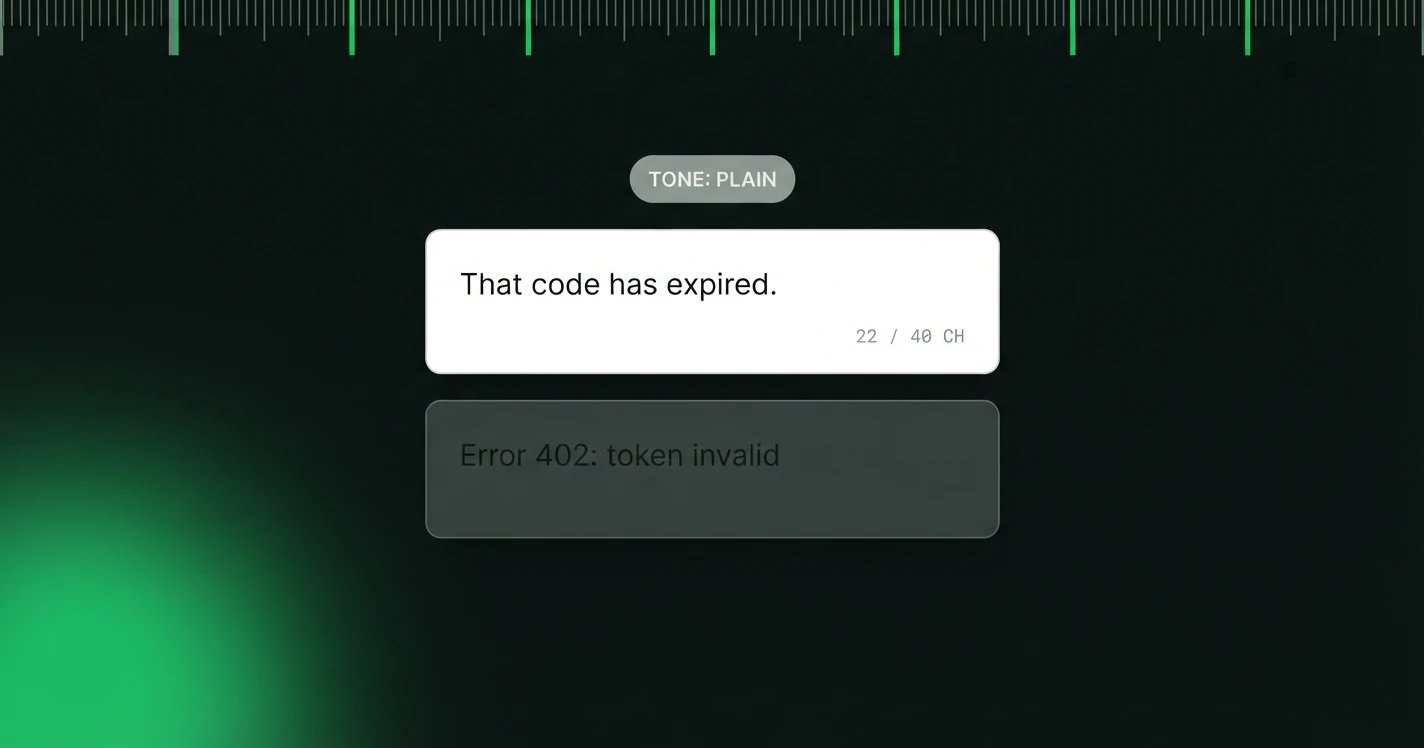
Error messages arrive when someone is already annoyed. That is the whole difficulty: the reader has less patience than usual and more need for a clear instruction than usual, and most products answer with a status code.
This post has two halves. The first is a framework for writing them, unchanged from when it was published. The second is forty-eight error messages generated with MicroKopy's own prompt builders, four scenarios across four tones, with a character count on every line, so you can see how the same failure reads when the register changes.
Errors are one of seven microcopy types. For the full set, start with our pillar on how to write microcopy in UI.
The Problem with Most Error Messages
Most error messages are written for developers, not users. They're technically accurate but emotionally tone-deaf. "Error code 422: Unprocessable entity" tells the user nothing about what went wrong or what to do next.
The best error messages do three things: 1. Say what happened: in plain language, without jargon 2. Explain why: if the reason is helpful and not obvious 3. Tell them what to do: a clear, actionable next step
A Framework for Error Messages
Before writing, ask yourself: - What did the user try to do? - What went wrong? - Can they fix it? If so, how? - Whose fault is it, theirs or ours?
If it's the user's fault, be gentle and specific. If it's a system error, own it and give a timeline.
Before and After Examples
The Tone Question
Error messages should be honest without being alarming, and helpful without being condescending. Avoid exclamation points (they feel sarcastic in an error context) and avoid overly apologetic language ("We're so sorry!") unless something truly went wrong on your end.
A neutral, matter-of-fact tone is almost always right. Save warmth for success messages.
Validation Errors vs System Errors
These two types of errors need different copy strategies.
Field-level validation has its own patterns, covered in form validation copy.
Validation errors (caused by user input) should be: - Specific about which field is wrong - Instructive about what the correct format is - Non-blaming in tone ("Password must include a number" not "You forgot to include a number")
System errors (caused by our infrastructure) should: - Own the problem without deflecting - Give a realistic timeline if possible - Offer an alternative action ("Try again" or "Contact support")
Forty-eight error messages, generated and counted
Every string below came out of MicroKopy's own prompt builders, the same ones behind the product, run against four failure scenarios in four tones. Nobody wrote them by hand and nobody tidied them afterwards. Read them as a fast first draft you would edit, and read them for the shape: how much the tone actually changes, and what it costs in characters.
A card the bank declined
| Tone | Copy | Characters |
|---|---|---|
| Professional | Your card was declined. Try another card or contact your bank to resolve this. | 78 |
| Professional | This card couldn't be charged. Please use a different payment method to continue. | 81 |
| Professional | Payment failed. Your bank didn't approve this transaction — try another card. | 77 |
| Friendly | Your card was declined. Try another card or check with your bank, then give it another go. | 90 |
| Friendly | Hmm, that card didn't go through. Double-check the details or try a different card. | 83 |
| Friendly | Payment didn't go through. Your bank may have blocked it — try again or use another card. | 89 |
| Playful | Your bank declined this card. No charge was made — try a different card to continue. | 84 |
| Playful | Hmm, your bank said no. Double-check your card details or try another one. | 74 |
| Playful | That card got a thumbs down from your bank. Swap it for another and let's try again. | 84 |
| Minimal | Card declined. Try another card or contact your bank. | 53 |
| Minimal | Your bank declined this payment. Use a different card to continue. | 66 |
| Minimal | Payment failed. Check your card details or try another one. | 59 |
A file over the upload limit
| Tone | Copy | Characters |
|---|---|---|
| Professional | This file is too large to upload. Please choose a file under 25MB. | 66 |
| Professional | File size exceeds the 25MB limit. Try compressing it or uploading a smaller version. | 84 |
| Professional | This file's too big — the max size is 25MB. Compress it or split it into smaller files and try again. | 101 |
| Friendly | This file's a bit too big (max 25MB). Try compressing it or picking a smaller version. | 86 |
| Friendly | That file's over our 25MB limit. Resize or compress it, then upload it again. | 77 |
| Friendly | Oops, this file's too large to upload (25MB max). Try a smaller file and you're good to go. | 91 |
| Playful | That file's a bit too chunky — it's over the 25MB limit. Compress it or pick a smaller one to upload. | 101 |
| Playful | Whoa, big file! It's over our 25MB size limit. Shrink it down and try uploading again. | 86 |
| Playful | This one's too large to upload (max 25MB). Compress it or choose a smaller file to continue. | 92 |
| Minimal | File's too large to upload. Try a smaller one. | 46 |
| Minimal | This file is over the size limit. Compress it and try again. | 60 |
| Minimal | Upload failed — file too big. Reduce the size and re-upload. | 60 |
A wrong password on an account that exists
| Tone | Copy | Characters |
|---|---|---|
| Professional | That password doesn't match. Try again or reset it below. | 57 |
| Professional | Incorrect password. You can retry or reset your password to get back in. | 72 |
| Professional | Wrong password for this email. Reset it if you don't remember. | 62 |
| Friendly | That password doesn't match. Try again or reset it below. | 57 |
| Friendly | Hmm, that password isn't right. Give it another try, or reset it in a few clicks. | 81 |
| Friendly | Wrong password for this email. Reset it anytime — takes less than a minute. | 75 |
| Playful | That password's not it. Give it another shot or reset it below. | 63 |
| Playful | Wrong password — happens to the best of us. Try again or reset it. | 66 |
| Playful | Close, but no login. Double-check your password or reset it here. | 65 |
| Minimal | Wrong password. Try again or reset it. | 38 |
| Minimal | That password's not right. Reset it below. | 42 |
| Minimal | Incorrect password. You can reset it anytime. | 45 |
A save interrupted by a dropped connection
| Tone | Copy | Characters |
|---|---|---|
| Professional | Save failed — your connection dropped. Your work is safe. Try saving again. | 75 |
| Professional | Connection lost before we could save. Nothing's lost — click retry to save now. | 79 |
| Professional | We couldn't save due to a network drop. Your changes are still here — retry to save. | 84 |
| Friendly | Connection dropped, so your changes didn't save. Check your connection and try again. | 85 |
| Friendly | Lost connection mid-save. Your changes are still here — click Save when you're back online. | 91 |
| Friendly | Save failed — the connection blinked. Try again in a moment. | 60 |
| Playful | Connection hiccup — your changes didn't save. Try again? | 56 |
| Playful | Lost signal for a sec, so nothing saved. Give it another go. | 60 |
| Playful | The connection dropped mid-save. Nothing's lost yet — just hit save again. | 74 |
| Minimal | Connection dropped. Nothing was saved. Try again. | 49 |
| Minimal | Save failed — connection lost. Retry now. | 41 |
| Minimal | Lost connection mid-save. Your work's safe here — try again. | 60 |
What the tones cost
The minimal register averages 52 characters here against 76 for professional. That saving is not free, and the file upload group shows exactly where it comes from.
Professional, friendly and playful all name the limit. Minimal does not:
| Tone | Copy | Characters |
|---|---|---|
| Professional | This file is too large to upload. Please choose a file under 25MB. | 66 |
| Minimal | File's too large to upload. Try a smaller one. | 46 |
Twenty characters shorter, and it has dropped the one fact the reader needs to act. "Try a smaller one" cannot be followed without knowing how much smaller. That is the trade minimal copy usually makes, and it is worth making deliberately rather than because short felt cleaner.
What the generator got wrong
Two things worth naming, because a library that pretends the machine was flawless is not much use to anyone deciding whether to trust one.
The prompt never states a file size limit, so the model invented one. It picked 25MB across every tone in this run. In an earlier run it picked 25MB for three tones and 20MB for the fourth, in the same generation, which would have put contradictory numbers on one screen. Nothing in the output signals which of those you are getting.
The lesson is not that generated copy is unreliable. It is that a generator fills gaps in the brief with something plausible, and a file size is exactly the kind of detail that reads as authoritative and is not. If a value matters, put it in the brief. If it is not in the brief, check every string that contains a number.
Where this fits
The examples above took one prompt each and about a minute in total. Getting from there to shippable copy took longer, and that is the honest shape of the work: the generator gives you a spread of options at a known length, and you pick and edit. If that is a trade you want to make on the other six copy types too, that is what MicroKopy does.
An error is not the only message that lands at a bad moment. The other one is the prompt that stands in front of a destructive action, where the "next step" is a button the reader cannot take back. That copy has its own rules, worked through in delete confirmation message examples graded by reversibility.
The one rule to remember
If your error message needs the reader to open a new tab to understand it, it failed. Write for the person who is confused, in a hurry, and one bad sentence away from leaving. Every word should earn its place, including the ones that name a limit.
Frequently asked questions
- What makes a good error message?
- Three things: say what happened in plain language, explain why if the reason is not obvious, and give a clear next step. A message that reports a failure without telling the reader what to do next has done half the job.
- How long should an error message be?
- The forty-eight generated examples in this post run from 38 to 101 characters. Length is not the target though. The minimal tone here averages 52 characters partly by dropping the file size limit, which is the one fact the reader needs to act, so short is only better when nothing load-bearing goes with it.
- Should error messages apologise?
- Rarely. Save an apology for something that genuinely went wrong on your side, and keep it to a clause rather than a sentence. Over-apologising reads as evasive, and exclamation points read as sarcastic in an error context.
- What is the difference between a validation error and a system error?
- A validation error is caused by user input and should be specific about which field is wrong and what the correct format is, without blaming anyone. A system error is caused by your infrastructure and should own the problem, give a realistic timeline if you have one, and offer an alternative action.
- Can AI write error messages?
- It can write a fast first draft at a known length, which is what the examples here are. It cannot be left alone with them. In one run the model invented a 25MB file size limit the prompt never specified, and in an earlier run it invented two different limits within the same batch. If a value matters, put it in the brief.
We build the copy layer for product screens: tone presets, character ceilings and a review trail that travels with every string.